
THE NEXT CHAPTER OF KLEIN
FLUX 3 Image Klein
A little model.
A bigger imagination.
Create from a thought. Edit with a reference.
Explore native 4K images, right in your browser.
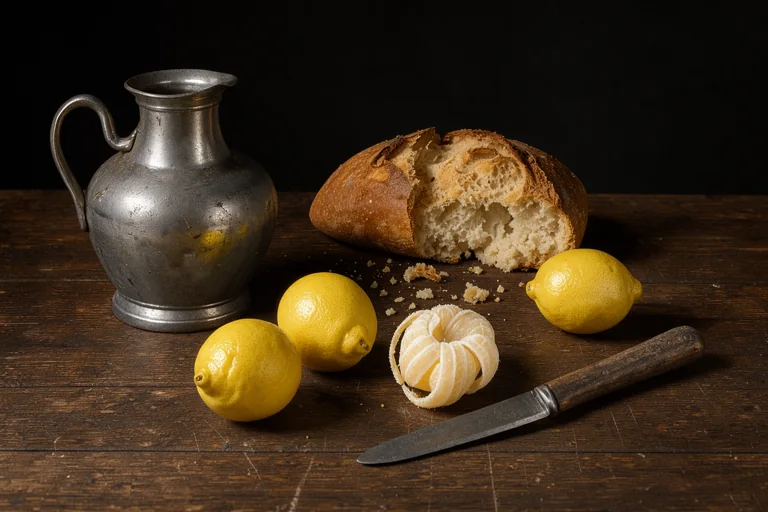
From the official demo
Explore the examples ↓
Official BFL demo hosted on Hugging Face. Independent guide. Queues and free GPU limits apply.
YOUR IDEAS, A NEW CANVAS
Try it free in your browser
One model for a blank canvas,
a small edit, or a whole new scene.
Example from the official demoA thought is all it takes
What will you make?
Use the official Black Forest Labs demo hosted on Hugging Face to enter a prompt, add references, and generate or edit an image. This site is an independent guide.
- Text-to-image & image editing
- Up to 10 reference photos
- 1K, 2K & 4K settings
Loading connects to Hugging Face. Prompts and uploads go to that service. Free GPU quotas, queues and possible sign-in apply. Privacy details.
FROM A PROMPT TO A FILE
Make your first image in three steps
Begin with one clear idea and a small output. A simple first run makes it easier to judge the image and understand the hosted demo's limits.
Describe a single scene
Choose a subject, setting, composition and light. For example, ask for a ceramic cup beside a window rather than several unrelated scenes in one request. The demo's prompt-upsample option expands a short request into a fuller scene caption; keep its ordinary default while learning the controls.
Start without references if you are testing text-to-image. For an edit, upload a photograph you have permission to use and say which detail should change. Assign a clear role to each extra reference rather than asking all of them to control the composition.
Begin at 1K
Load the demo, enter your request and use the smaller resolution for a first draft. Keep the initial task modest while checking the subject, framing and text. A model's 4K capability does not guarantee that a free hosted session has enough GPU time for that workload.
If the service reports a queue, sign-in requirement or exhausted quota, follow its message. Repeated submissions do not guarantee a faster slot. You can also use the direct Hugging Face link below the tool if the embedded view cannot complete sign-in or load correctly.
Inspect, then download
Read any lettering, check hands and small objects, and compare the result with your intended scene. For an edit, examine the areas that should have stayed unchanged as carefully as the part you asked to alter. Change one instruction at a time when refining the output.
Download the result from the demo when it is ready, and keep a copy with the prompt and settings you used. This guide does not keep your generation history or recover files from an external session. Increase resolution only after the smaller draft gives you a composition worth keeping.
If generation is unavailable, you can still explore the examples below and prepare a prompt. Hosted quota and availability are controlled by Hugging Face; this guide does not provide its own inference API.
A FEW POSSIBILITIES
Small model. Wide-open canvas.
Selected examples from the official BFL demo ↗.
Examples are pre-generated, not live results.
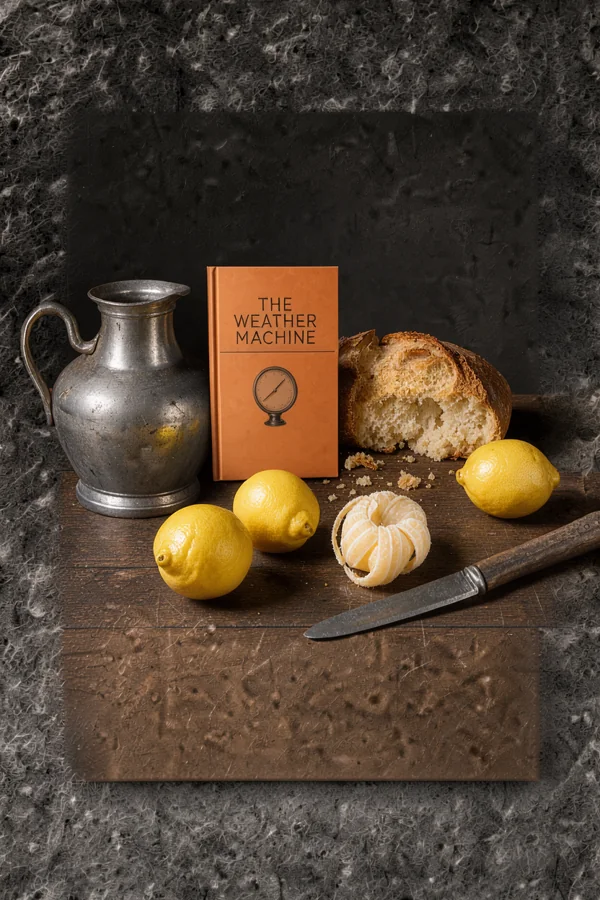
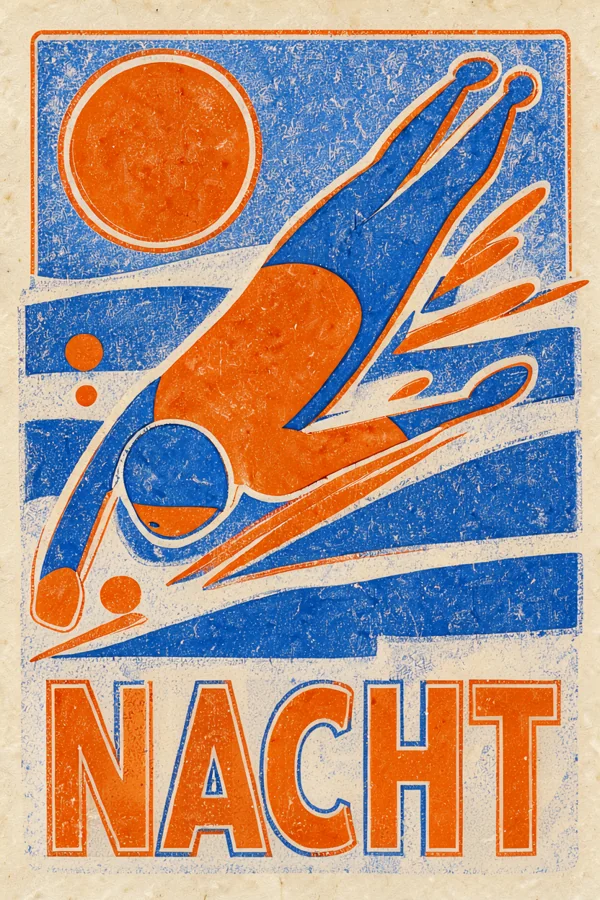
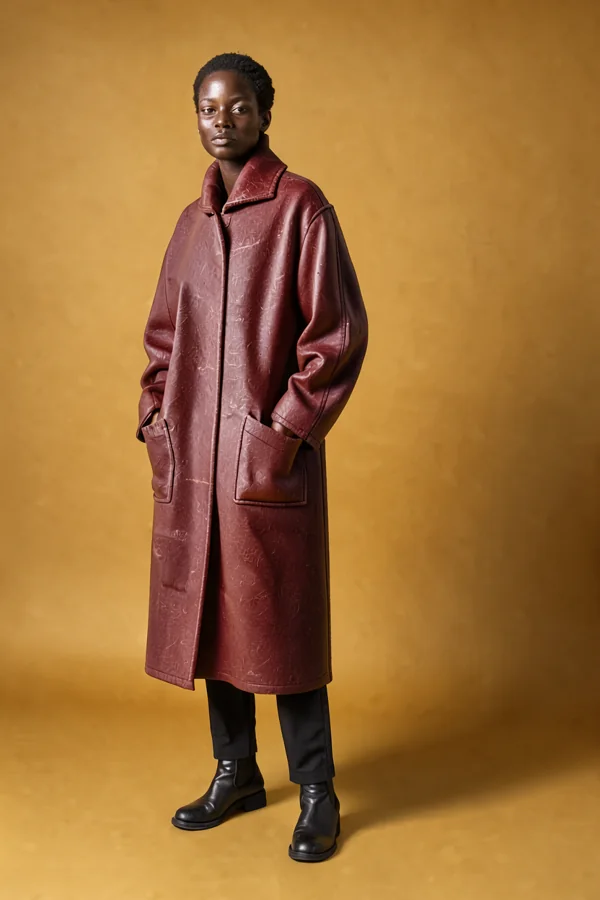
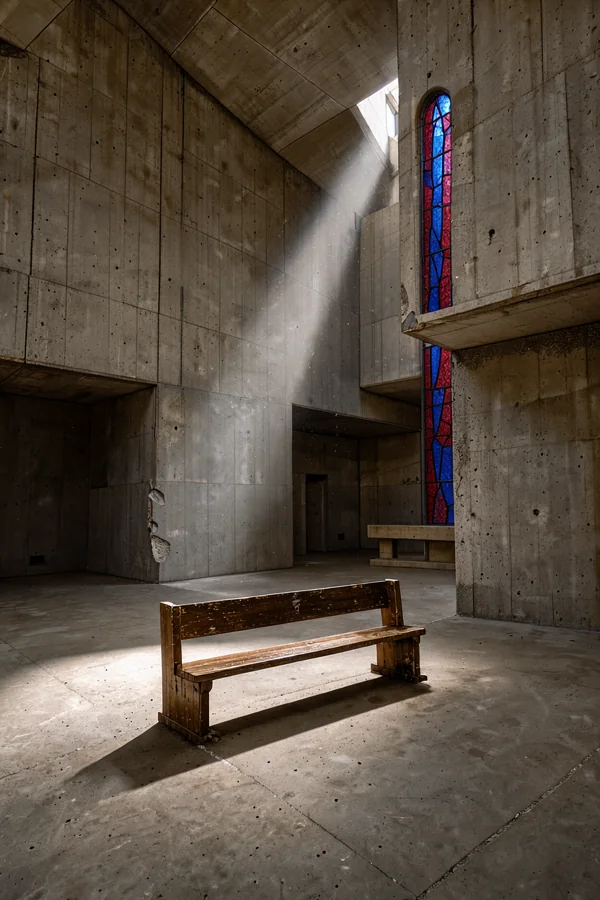
Use these samples to inspect the kind of work the publisher demonstrates: product framing, lettering, portrait detail and architecture. They are selected examples, not a success-rate test or a promise that the same prompt will reproduce the same image. Your first draft is the useful check for your own subject.
GET TO KNOW THE MODEL
What is FLUX 3 Image Klein?
Released by Black Forest Labs on October 15, 2026, Klein brings image creation and editing into a compact open weights model.
5.6B open weights, native 4K
Explore high-resolution detail with a smaller image transformer. Choose a distilled checkpoint for everyday experimentation or Base for fine-tuning.
Text-to-image + multi-reference editing
Create from words, edit a photo, or combine up to 10 references. Describe which image supplies the subject, composition or visual style.
License & commercial use
The weights use the FLUX Kommunity License. Commercial eligibility and conditions depend on your organization and use. Read the full terms.
 Official BFL demo example
KEEP YOUR OWN WORKFLOW
How to run it locally
Prefer your own machine? Start with a compatible workflow and the right checkpoint. GPU memory depends on precision, the text encoder, resolution and references.
ComfyUI workflow
Follow the native template, component-folder map and first-run checks in the dedicated workflow guide.
Official ComfyUI setup ↗Weights download
Choose a runtime and checkpoint, review gated access, and verify the supporting files before loading them.
Official model repository ↗FOR YOUR NEXT BUILD
API & pricing
The free browser demo and paid API are separate services. Use the official API for an integration; check current resolution-based pricing before submitting a job.
Read the official quickstart ↗{
"prompt": "Your next idea, in detail",
"aspect_ratio": "1:1"
}Use a server-side key. This site does not collect API keys.
View current BFL pricing ↗FIND YOUR FIT
FLUX 3 Image Klein
vs FLUX.2 Klein
Compare the published specifications and plan a repeatable test before changing a working setup. Looking for the older model itself? Start with the FLUX.2 Klein guide and official 4B demo.
Compare the Klein modelsGIVE YOUR IDEA SOME DIRECTION
Prompting guide
Start with a subject, add the scene and light, then describe the finish. For edits, say what should change and what should stay.
A quiet product portrait
A single ceramic cup on warm limestone, soft morning light from the left, subtle glaze texture, understated editorial photography, no text.
Change one thing
In the first image, change only the jacket to deep forest green. Keep the person's pose, facial features, background and lighting unchanged.
Give each reference a role
Use the subject from the first image in the setting of the second image. Match the soft light and muted colors of the third image.
These are starting prompts, not guarantees of a specific result. Paste one into the demo and refine it.
A few things to know
Frequently asked questions
Is the browser demo free?
Yes. Load Black Forest Labs' official Hugging Face demo on this page. Its free GPU quota, queue, availability and any sign-in requirements are controlled by Hugging Face. This website does not sell credits or charge for access.
Does the model support 4K output?
The model supports native 4K output. The official demo exposes 1K, 2K and 4K settings, but higher resolutions take longer and can exceed a free session's GPU quota. Start with 1K to test a prompt.
How many reference photos can I use?
The model supports up to 10 reference images. In the demo, open Reference images and upload them in the order you intend to describe. The first reference determines the output's shape.
Do I need to install anything?
No installation is needed for the browser demo. Running the weights on your own hardware is a separate option and requires compatible software and sufficient GPU memory.
Can I use the model commercially?
The weights use the FLUX Kommunity License. Qualifying users with less than US$5 million in annualized revenue, including affiliates, may generate commercial outputs subject to its conditions. Larger organizations need appropriate commercial terms. Read the full official license before use.
Is this the official Black Forest Labs website?
No. FLUX3Klein is an independent guide. The optional generator is the official Black Forest Labs demo hosted on Hugging Face. Prompts and reference files submitted there are handled by that third-party service; this guide does not operate its own AI inference API.
From an idea to an image
Make room for your next idea.
Try a prompt. Explore a reference. See what Klein can do.
Try FLUX 3 Image Klein